OpenDAW Now Supports TONE3000: Load NAM Captures in a Browser DAW
Browse and load Neural Amp Modeler (NAM) captures directly in your browser with openDAW and TONE3000. Start crafting professional guitar tones online today.
Today we're excited to announce that TONE3000, the world's largest library of Neural Amp Modeler (NAM) captures, is now integrated into openDAW, a free, open-source digital audio workstation that runs entirely in your browser. Open a tab, make music.
What is openDAW?
openDAW is a professional-grade music production environment. It was built by André Michelle, the developer behind Audiotool, one of the first browser-based music studios in the world. André and his team developed it for 16 years, helping hundreds of thousands of people make music together online.
He left Audiotool in 2023 and started over from scratch, but his foundational belief stayed the same: professional music tools should be free and accessible to anyone.
openDAW is open-source, built in TypeScript with the Web Audio API. It supports MIDI instruments, audio samples, scriptable effects and instruments, and recording audio directly from your audio interface. You can open it on the web anywhere. There is nothing to install.
What does the TONE3000 integration do?
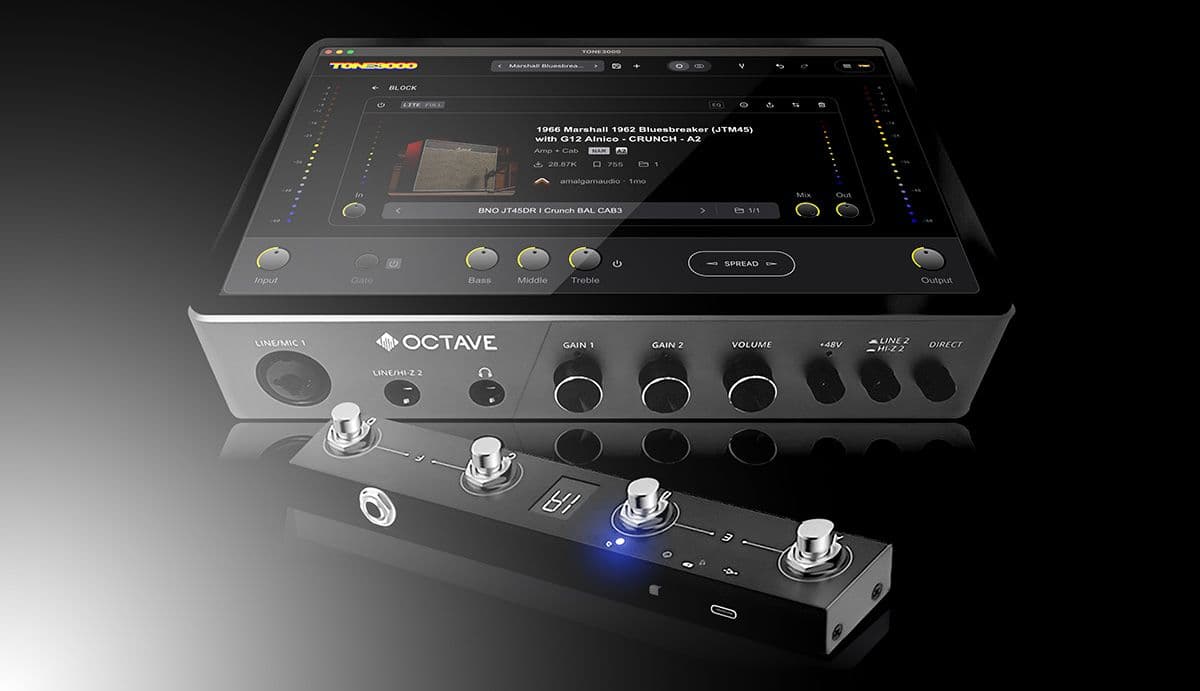
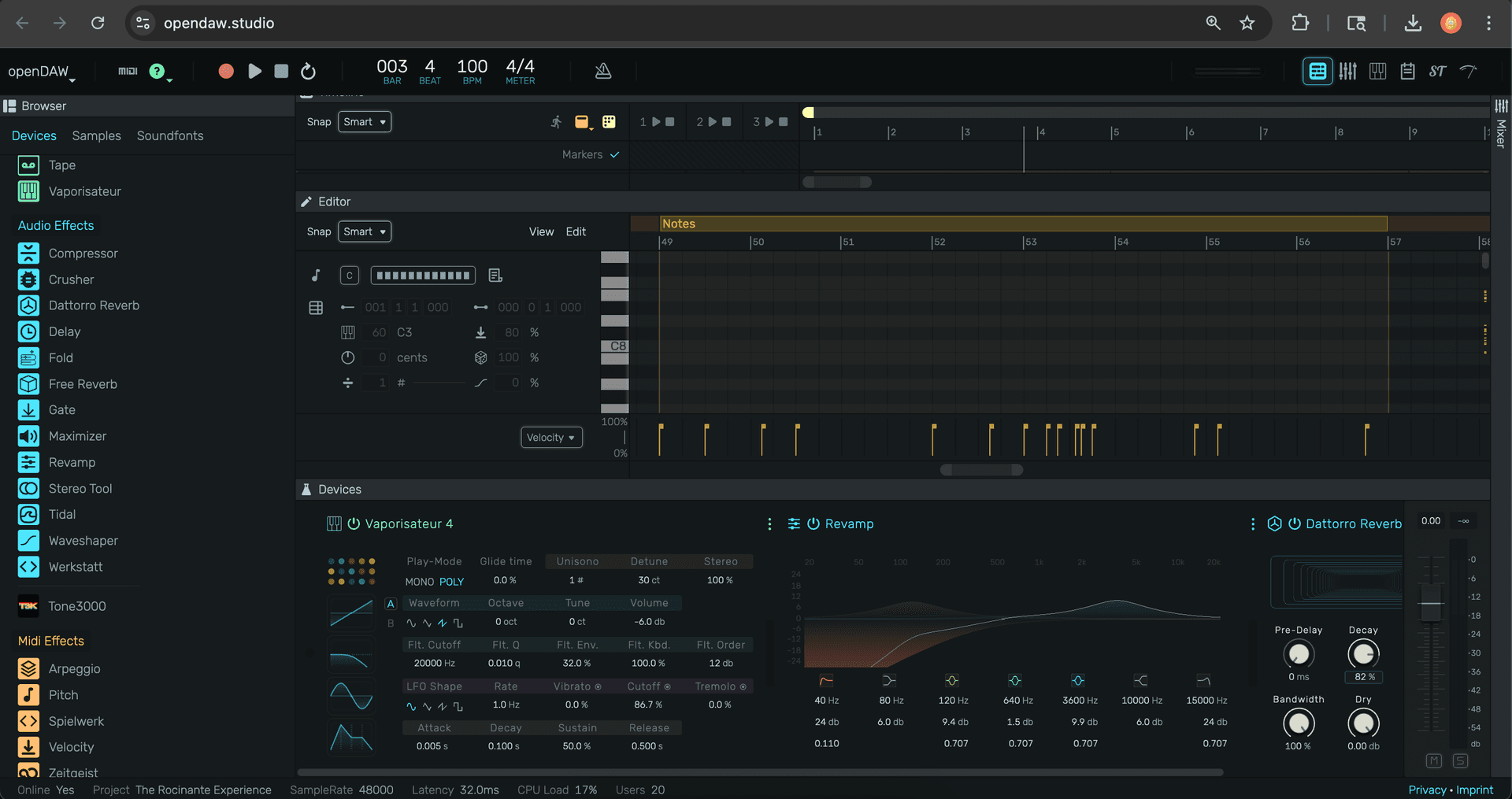
TONE3000 is now a native device inside openDAW, giving you instant access to 275,000+ NAM captures without leaving your session. Sign in with a one-time email passcode, browse or search the library, and load any NAM capture directly into your project.
How it works
Under the hood, the integration is powered by our open-source WebAssembly runtime. It's the same technology behind our NAM web player and Live Input feature. This runtime is what makes running neural networks directly in the browser possible.
Play through any NAM capture in real time
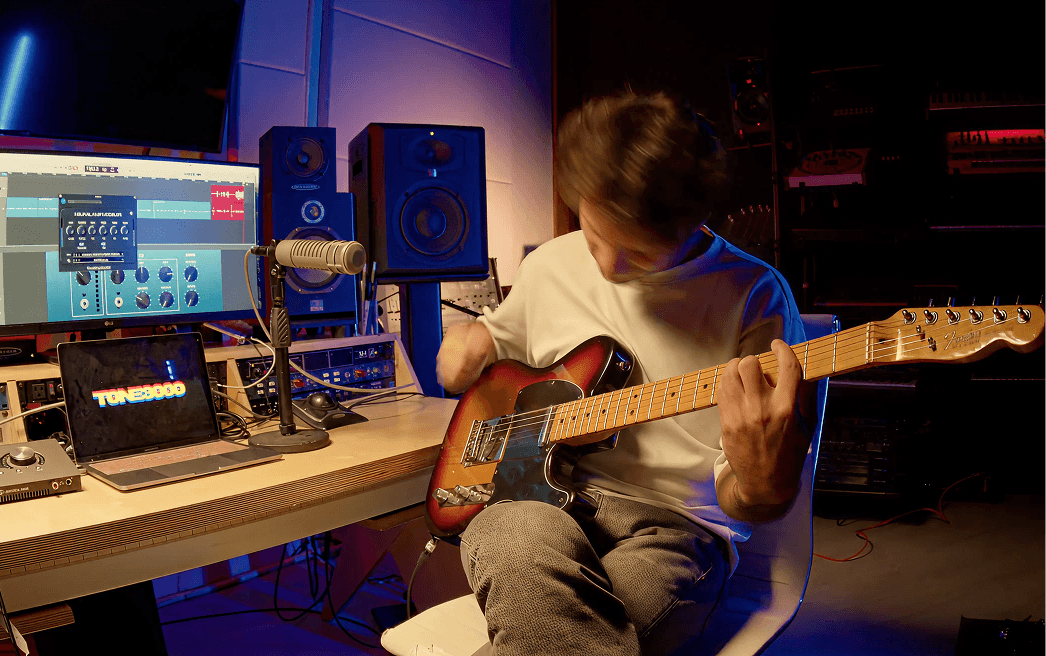
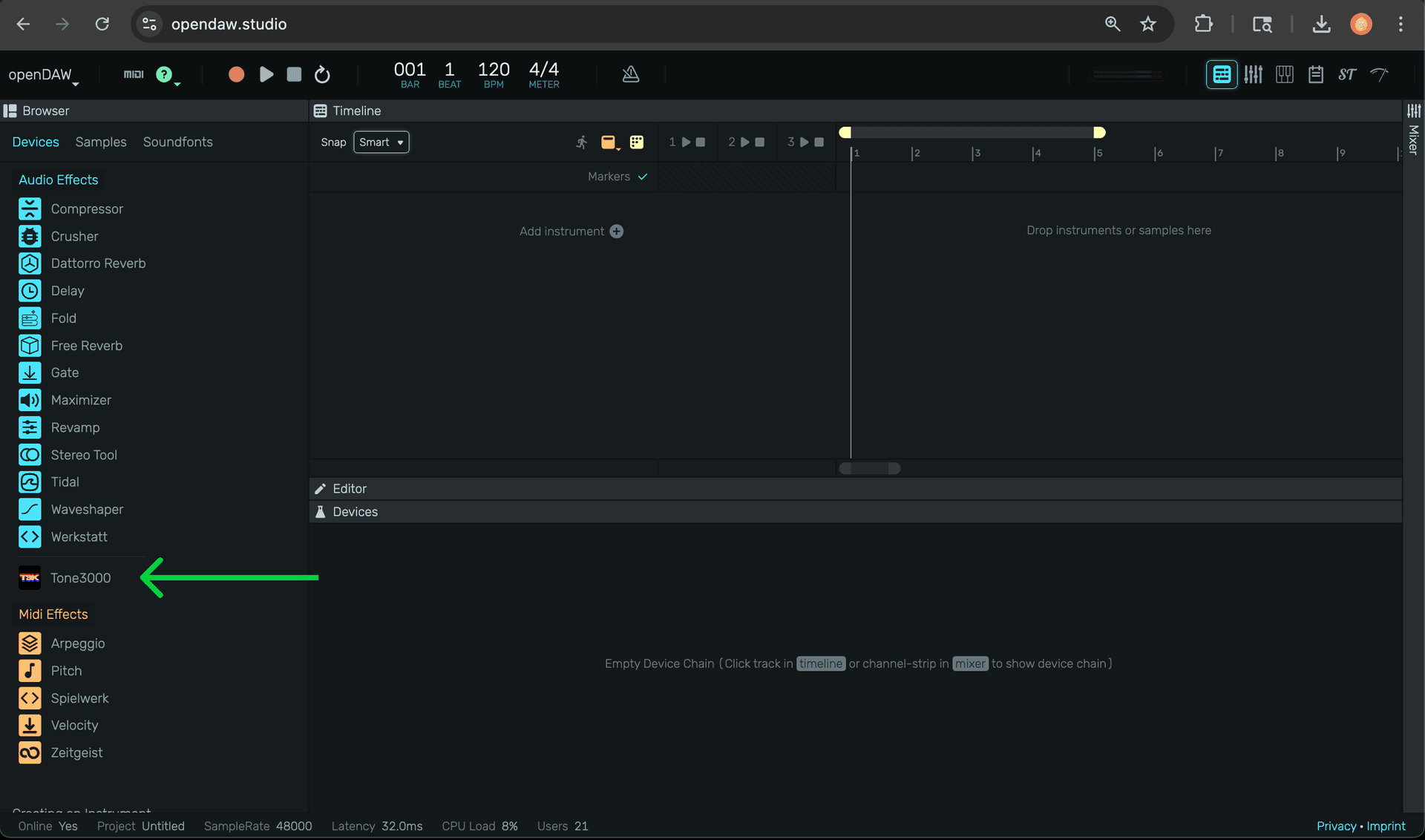
Here's where it gets interesting. openDAW lets you record audio with effects applied live. This means you can play your guitar or bass through a TONE3000 NAM capture in real time, directly inside the browser. To set it up:
- Go to opendaw.studio
- Create a Tape instrument track and arm the audio track
- Select your audio interface as the input device
- In the track menu, set Input Monitoring to "With Effects"
- Add the Tone3000 device to the track
- Sign in with your TONE3000 account (one-time email passcode, no password needed)
- Browse or search for a NAM capture, click Download, and start playing
You're now playing through a NAM capture, inside a browser tab, for free. For more on the recording workflow, see the openDAW recording manual.
Make sure popups are enabled for the site.
Beyond guitar
Neural Amp Modeler (NAM) profiles work on any audio source. Producers have long run synths, keys, drums, and vocals through amps to add analog character that is difficult to replicate digitally. With TONE3000 inside openDAW, these possibilities are now available through our ever-expanding library of NAM captures, for free.
Build your own integration
The TONE3000 API is what made this possible. openDAW connected our entire library of Neural Amp Modeler (NAM) captures to their platform in a matter of days. If you're building a DAW, a plugin, or a hardware device, the API gives you access to the world's largest library of NAM captures and impulse responses, for free.