Tone Sharing Guidelines
These guidelines help the community discover and use your tones. They cover what you can share and how to name, describe, photograph, and tag your captures.
In this guide
Overview
TONE3000 is for anyone with great gear and great tones. This includes creators, artists, amp brands, audio engineers, and producers. Follow these guidelines to keep the library clean, organized, and easy to search.
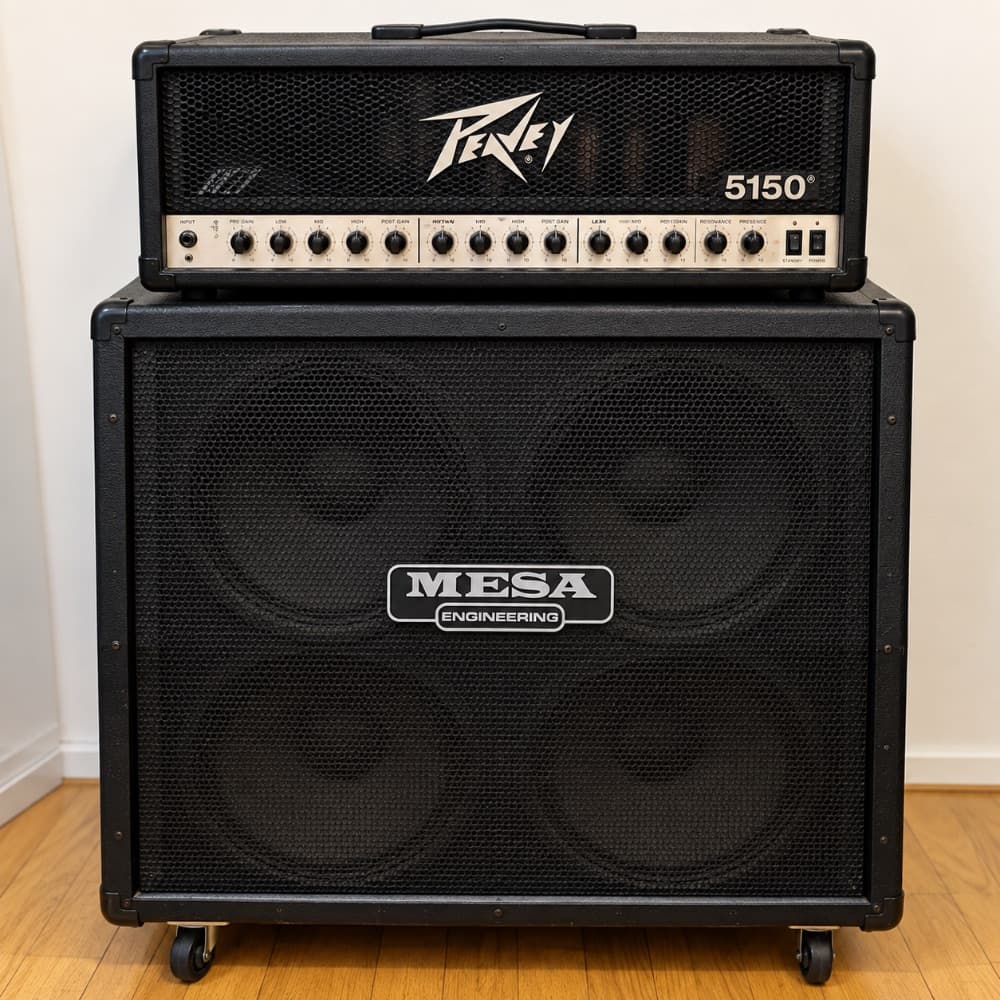
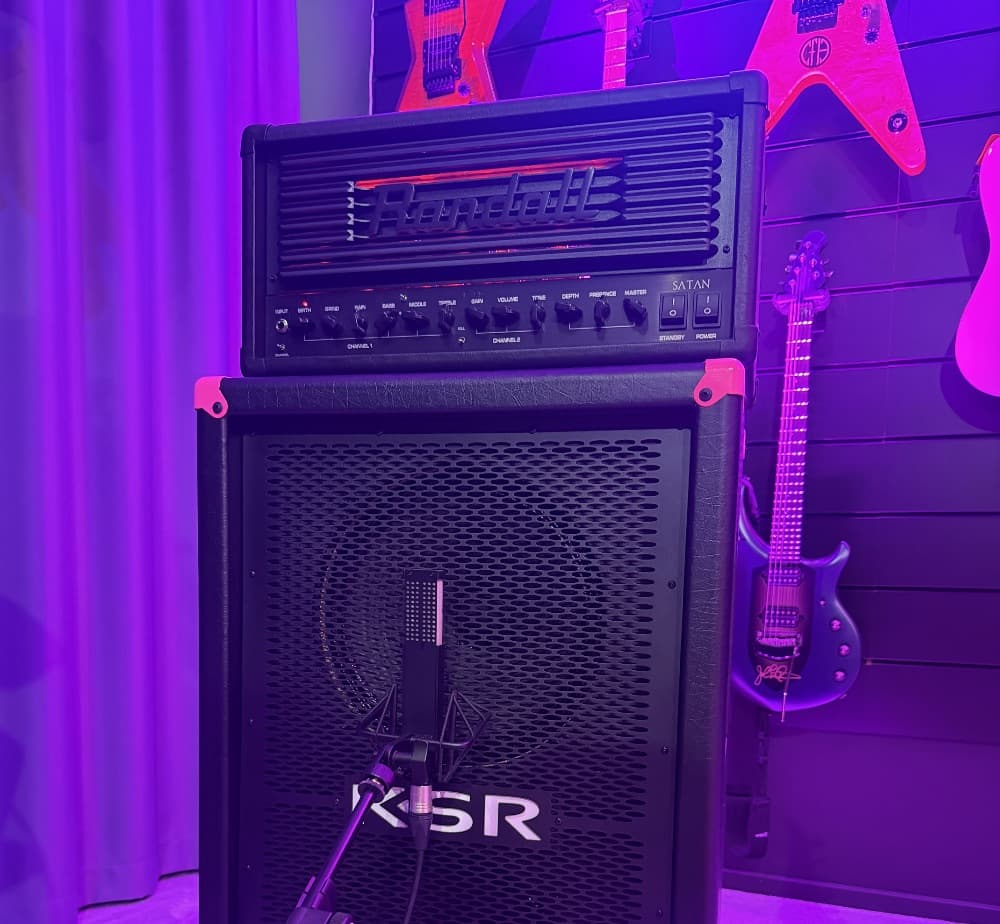
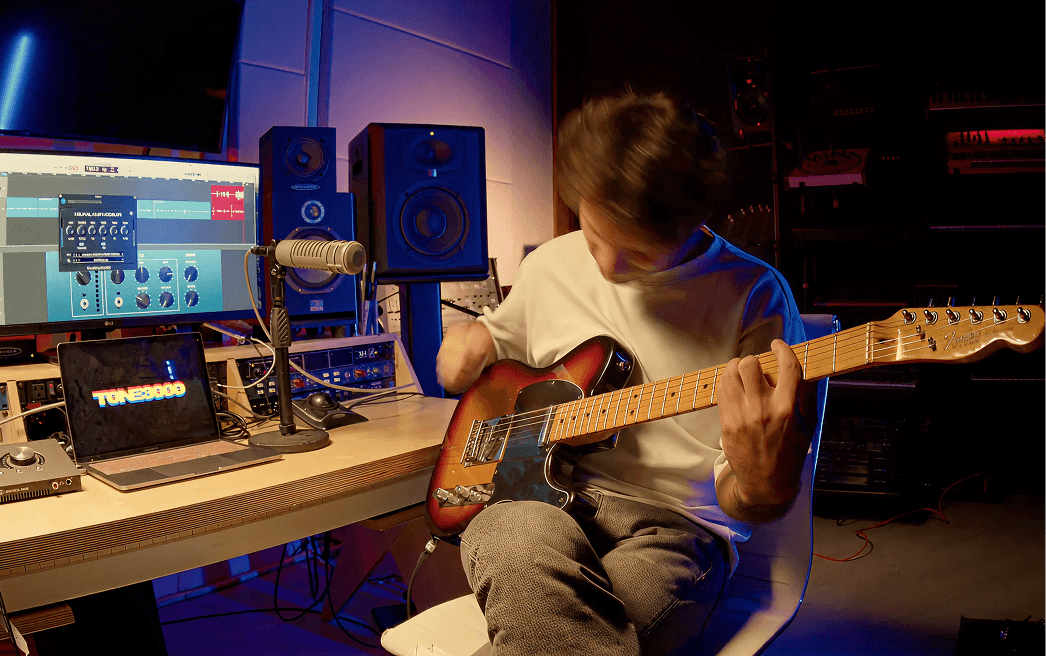
For examples of great tone packs and profiles, see:
Tone Sharing Policy
TONE3000 is for sharing Neural Amp Modeler (NAM) captures and impulse responses (IRs) of real gear. To protect creators and software companies from piracy, only the tones below can be shared publicly.
Permitted:
- Analog gear: amplifiers, speaker cabinets, guitar and bass pedals, amp + cab rigs, and outboard gear. You can use plugins for light post-processing, like EQ or compression, as long as the analog gear is the focus of the capture.
- Acoustic spaces: rooms, studios, halls, and other physical environments.
- Experimental captures: real physical objects, devices, or systems that don’t fit the standard gear types.
- Openly licensed IRs: impulse responses released under a license that allows sharing
- Discontinued digital gear: sought-after digital hardware that is no longer made, such as floor modelers, multi-FX units, digital pedals, and rack effects (e.g. the Line 6 POD XT Live or the original Eventide H3000).
- Abandoned plugins: plugins and amp sims that are no longer sold, supported, or reissued in any form by their developer or anyone who acquired them.
- Circuit models: circuits you designed, simulated, or implemented yourself, such as a SPICE netlist (LTspice, LiveSPICE), a wave-digital model, a Reaktor Core patch, or your own DSP code.
Prohibited:
- Current plugins and amp sims: any plugin or amp sim that is still sold, supported, or available in a current or reissued version.
- Current digital gear: digital modelers, multi-FX units, digital pedals, and rack effects that are still in production.
- Other people’s tones: NAM captures or IRs made by someone else, shared without their permission.
Some of these have their own title and image rules (see below).
Tones that break this policy will be removed. To report a tone, click "Report Tone" at the bottom of the tone page. Repeat violations will result in account suspension.
Tone Pack = One Piece of Primary Gear
A tone pack is a collection of NAM captures or IRs built around one piece of "primary" gear. This keeps packs clear, searchable, and useful on TONE3000 and in partner products that use the TONE3000 API.
Primary gear by gear type:
| Gear type | Primary gear | Can vary within the pack |
|---|---|---|
| Amp + Cab | The amp and cab pairing (one amp, one cab) | Mics, mic placements, channels, settings, boost or overdrive pedals |
| Amp Head | The amp | Loads, channels, settings, boost or overdrive pedals |
| Cabinet | The cabinet and its speakers | Mics, mic placements |
| Pedal | The pedal | Settings, switches, modes |
| Outboard | The unit | Settings, switches, modes |
| Spaces | The room or space | Mics, mic placements, source positions |
| Experimental | The object or system | Settings, positions |
Please avoid:
- Genre packs (e.g. "Metal Tones")
- Artist packs (e.g. "Nirvana IRs")
- "Random favorites" packs with no clear primary gear
Tone Pack Titles
Your title is the name of the primary gear. Nothing else.
Format: [Brand] [Make and Model] [Year]
Examples: Fender Super Reverb 1969, Marshall JCM800 2203 1983, Ibanez Tube Screamer TS9 2004
Do not include:
- Genres or styles ("Metal Tone," "Blues Pack")
- Marketing words ("Mix Ready," "Hyper Accuracy," "Ultimate," "Community Pack")
- NAM architecture or model size ("NAM A2," "Standard," "Nano")
- Mics, loads, boost or overdrive pedals, or anything else that isn’t the primary gear
- Artist names, song references, or creator names
Put those details in the description, tags, and Makes and Models instead. A clean title makes your pack searchable and groups it with other captures of the same gear.
Special cases:
- Amp + Cab: name the amp and the cab (e.g. Marshall JCM800 2203 1983 + Marshall 1960A 4x12). Each Amp + Cab pack uses one amp and one cab. If you captured the same amp through different cabs, upload a separate Amp + Cab pack.
- Circuit models: add the name of the tool you used to the end of the title. Example: Marshall JCM800 2203 LiveSPICE
- Abandoned plugins: add "Plugin" to the end of the title. Format: [Developer] [Plugin Name] [Year] Plugin
Makes and Models
List every piece of gear in the captured signal path: amps, cabs, mics, loads, pedals, outboard units, and so on. Nothing else.
- Leave out plugins used for light post-processing, and list them in your description instead
- For abandoned plugin packs, list the plugin
Tone Pack Images – Important
Include a high-quality, square photo of the actual gear you captured. Photos help verify that you’re modeling real gear, so the requirements are strict. Packs with stock images, web photos, AI-generated images, or graphics will be removed.
Image requirements:
- Show the actual gear you captured
- Take the photo during the capture process
- Show the mics when capturing an amp + cab or cabinet
- Crop square
- Use a high-resolution photo
- Use natural studio, rehearsal space, live room, or real-world photos
- Keep a consistent visual style across your packs
Do not use:
- Stock photos
- Photos pulled from the web
- AI-generated images
- Graphics or logos
- Screenshots of plugins or DAW sessions
- Heavily edited photos
- Images that don’t show the gear described
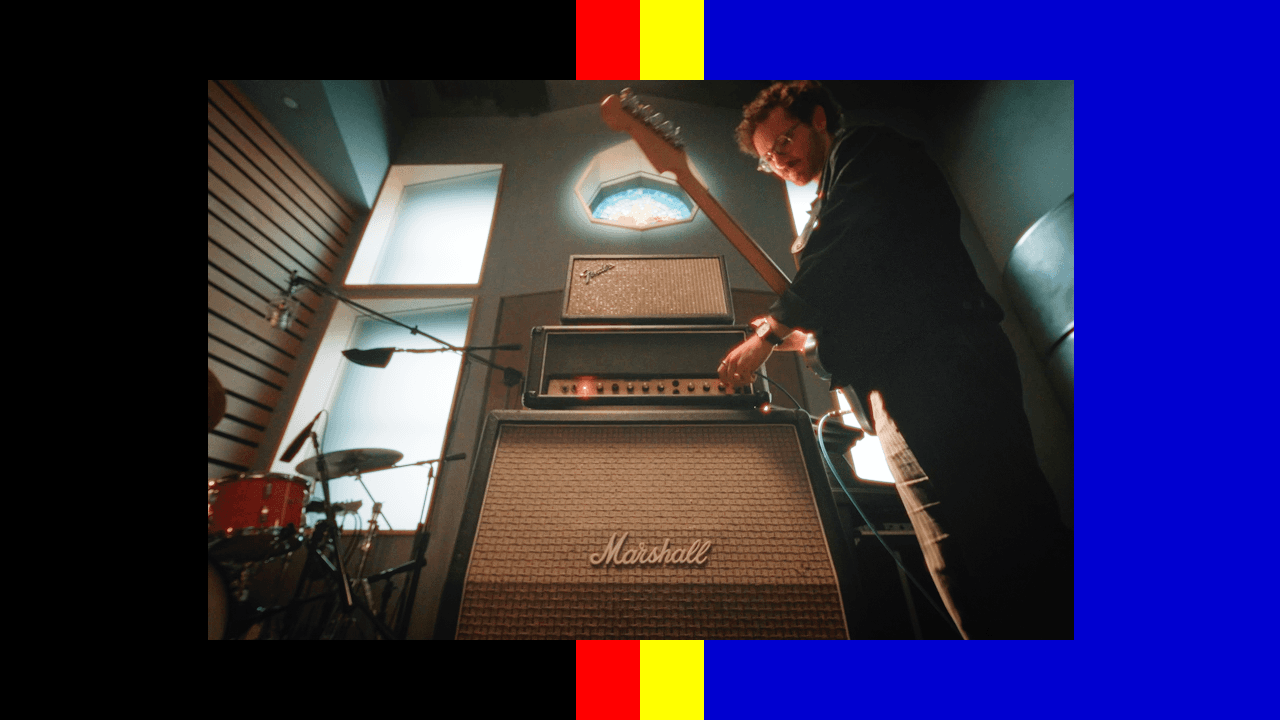
Example of a good image:
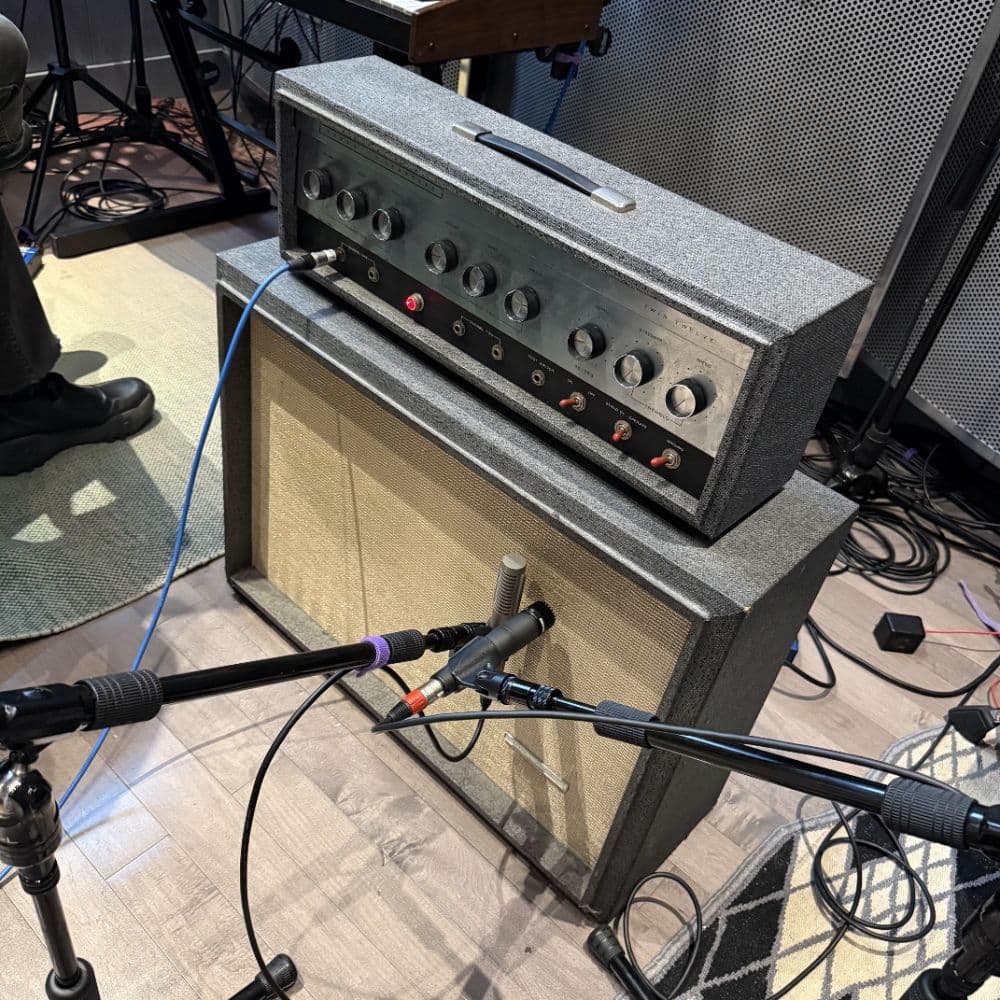

Great images go a long way. Your pack image is often the first thing users see on TONE3000 and in the TONE3000 Plugin. A clear, well-lit photo of the gear is what makes someone stop scrolling and choose your tone.
Discontinued Digital Gear
Same rules as analog gear. Photograph the actual unit you captured, during the capture process.
Shared IRs
- Use a photo you have permission to share
- Make sure the photo accurately shows what was captured
- When possible, use a photo from the original source
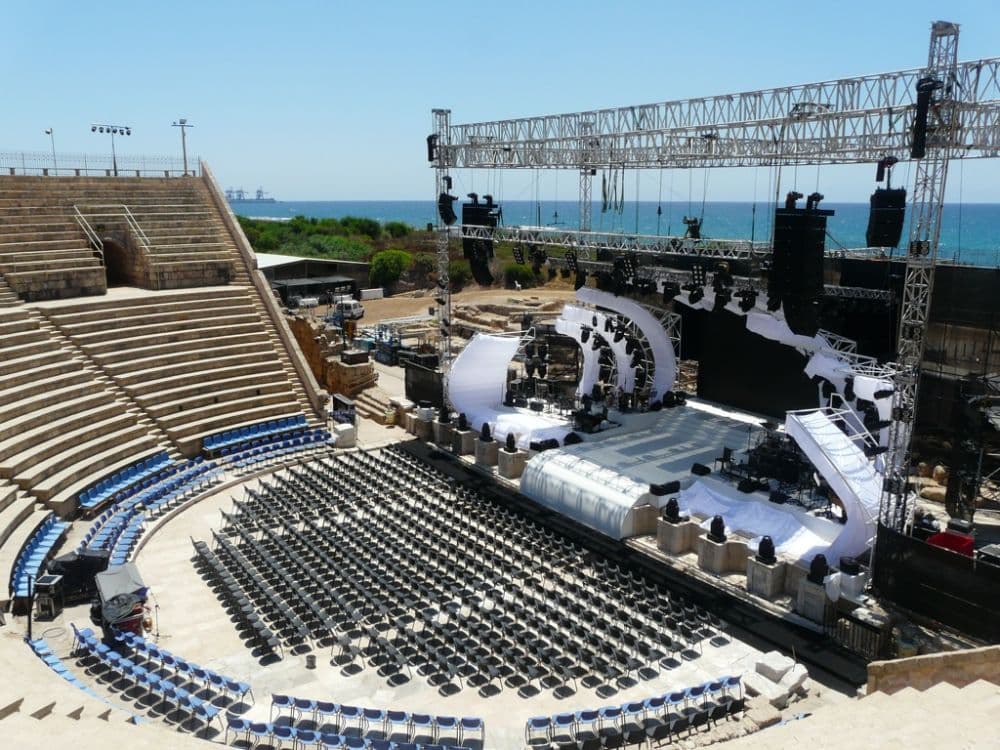
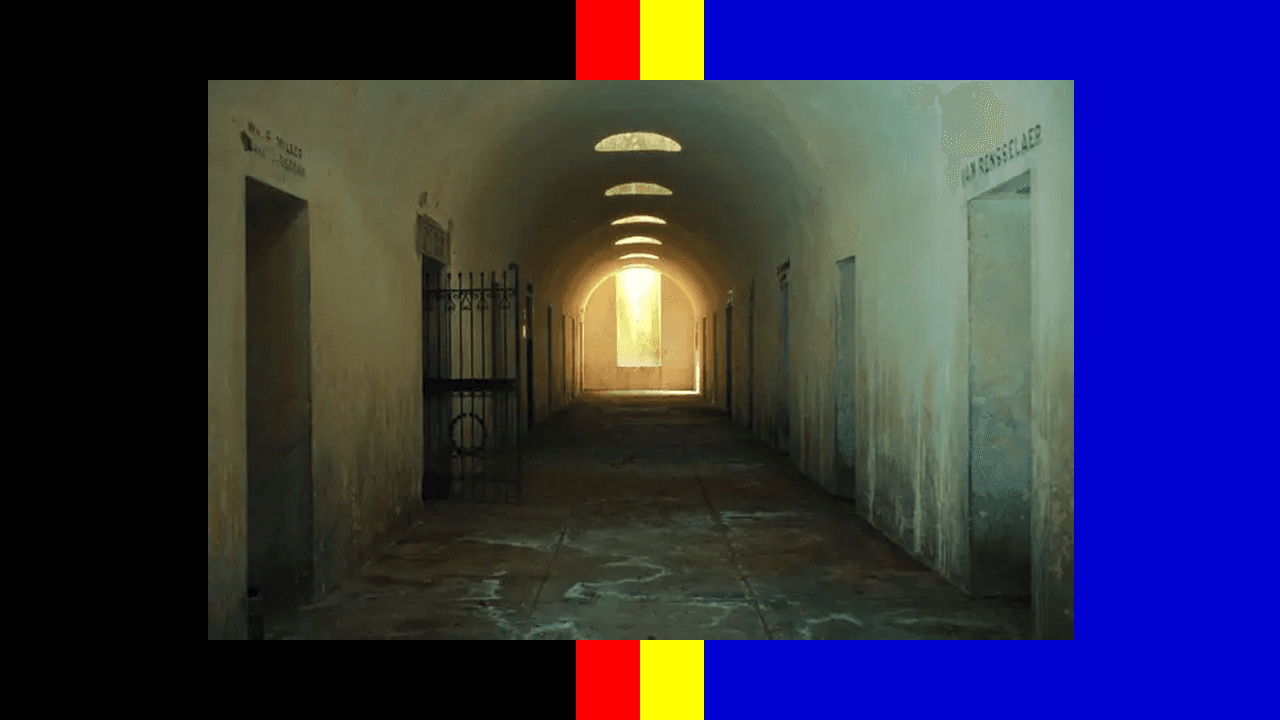
Example of a permitted IR image:

Circuit Models
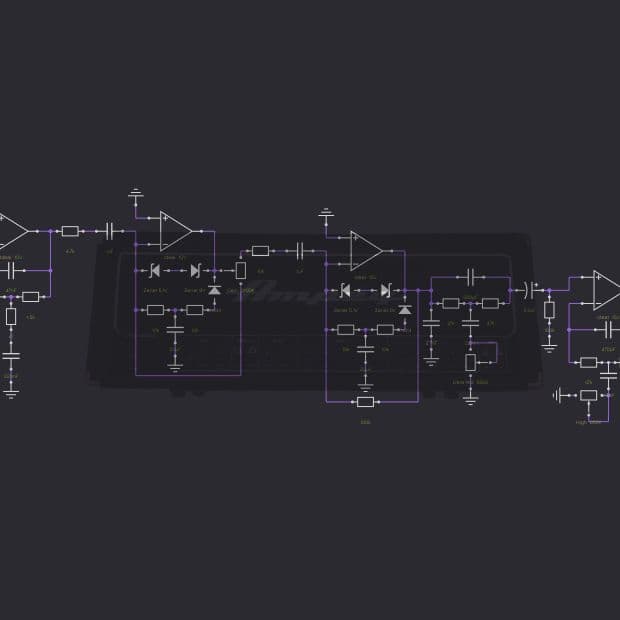
Use a diagram of your circuit as the main image, such as a LiveSPICE or SPICE schematic, or a circuit diagram for models built in code.
- You may overlay the diagram on a stock photo of the gear on a black background
- Make the circuit the most dominant part of the image, so it’s clear the pack is a circuit model
Example of a good circuit model image:

Abandoned Plugins
Please don’t upload an image for abandoned plugin packs. This includes screenshots, logos, product art, and photos of any kind.
Tone Pack Descriptions
A strong description tells the story of the gear: why it matters, what makes it special, and what tones users can expect before they load a single model.
A great description can include:
- How you got the gear and why it matters to you
- Its history, mods, repairs, quirks, or fun facts
- Records, sessions, tours, or artists it’s been used on
- What it’s known for sonically
- The range of tones in the pack
- Styles or uses where the pack shines
Focus on sound, story, and usefulness. Build quality and road-readiness matter less for neural models.
Capture Overview
Always include an overview of your chain and capture process. It helps users trust your captures and understand how they were made. Include:
- Signal chain and gear used
- Mics and mic placements
- Calibration notes
- Important settings and studio notes
- Any plugins used for light post-processing, like EQ or compression
Model Names
Use a consistent format so users know what they’re selecting before they play it.
Format: [Brief Description] – [Gear Settings] – [Mic or Chain]
Example: Clean Rhythm – OD2 G10 V10 – SM57
Tone Pack Tags
Review and update the tags on every tone pack. Tags power search, filtering, and discovery on TONE3000 and in partner products that use the TONE3000 API.
Tone Pack Videos
Videos are highly encouraged. They help users quickly hear what the gear sounds like and why they should choose your pack. Good videos include:
- Artist demos and performance clips
- Studio walkthroughs and session clips
- Before-and-after examples
- Short clips of the tones in context
In each YouTube description, tag @tone3000-nam and link to your TONE3000 profile (https://www.tone3000.com/username).
Your Profile
Your packs live on your profile, so give it the same care. Add your bio, profile image, social links, and website in your account settings. Your profile should explain who you are, what you make, and why the community should be excited about your captures.
Consider including:
- Your musical background
- Artists, records, or projects you’ve worked on
- Studios, scenes, or communities you’re part of
- The sounds you’re known for
- Why you’re sharing your tones on TONE3000
Free and Paid Packs
All tones are free for now. Monetization is coming soon, so you’ll be able to earn money from your tones.
Until then, keep free and paid tones in separate packs. When monetization launches, we’ll consolidate them into a single pack for you.
Recommended structure:
- Free pack: 2 to 3 tones that show the variety of what the gear can do
- Paid pack: 10 to 30 tones that capture the full range of the gear
Free packs are the best way to build trust and traction. Users who love your free captures are the ones who will buy your paid ones.
Verified Profiles
If you consistently make outstanding tone packs, you may qualify for our Verified tier. Verified Profiles are brands, artists, and top creators who share trusted, high-quality captures of real gear with clear context, great photos, and capture details. See Blackstar Amps for an example.
Verified Profiles are prioritized in search, browse, and featured placements, and they’ll be prioritized for monetization as it rolls out. This helps users find the best tones and makes sure the creators behind them are rewarded.
Interested? Follow these guidelines to prepare your profile, then email support@tone3000.com. We’ll review your profile and tone packs to see if you qualify.
Related Guides
Trending Tones





NEW TO TONE3000?
Discover hyper-realistic digital models of iconic gear, including the Fender Twin Reverb, Vox AC30, Marshall JCM 800, and thousands more. Getting started is easy—and free!