TONE3000 Comes to Moises Studio
Browse and play NAM captures and IR's from the TONE3000 library directly inside Moises Studio.
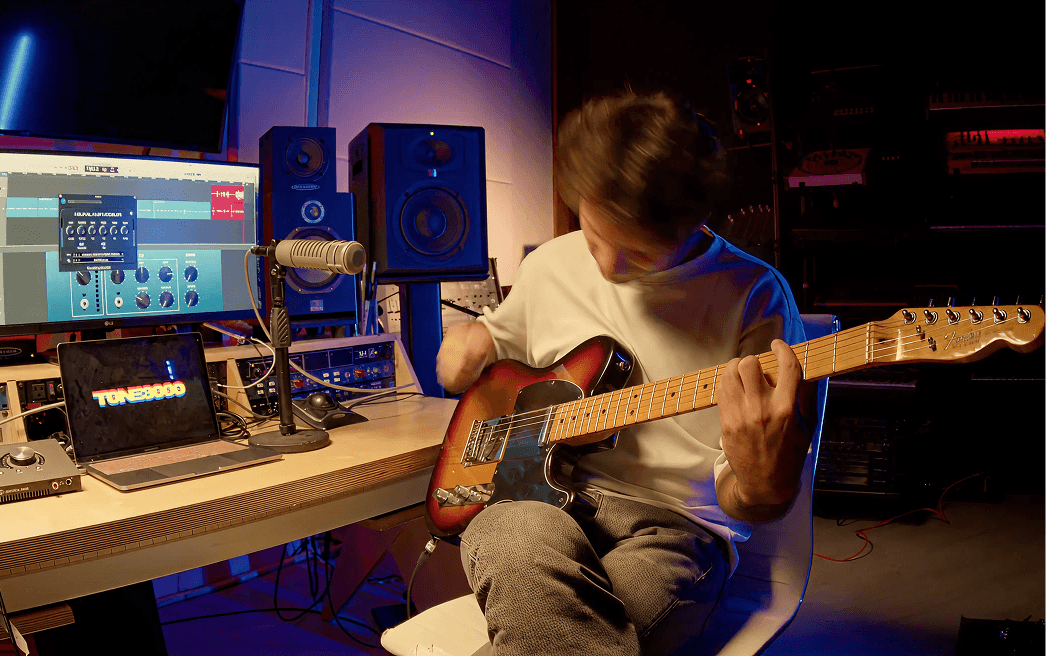
Today, we’re excited to announce that TONE3000 is now built into Moises Studio, the online DAW from Moises.
Sign in to your TONE3000 account directly in Moises Studio to browse and play any Neural Amp Modeler (NAM) capture or impulse response from the TONE3000 library, right alongside the music you’re working on or playing along to.
There’s no plugin to install and no files to download or move. Find a tone, load it, and start playing.
How to use TONE3000 in Moises Studio
1) Open a session in Moises Studio and select the track you want to play through.
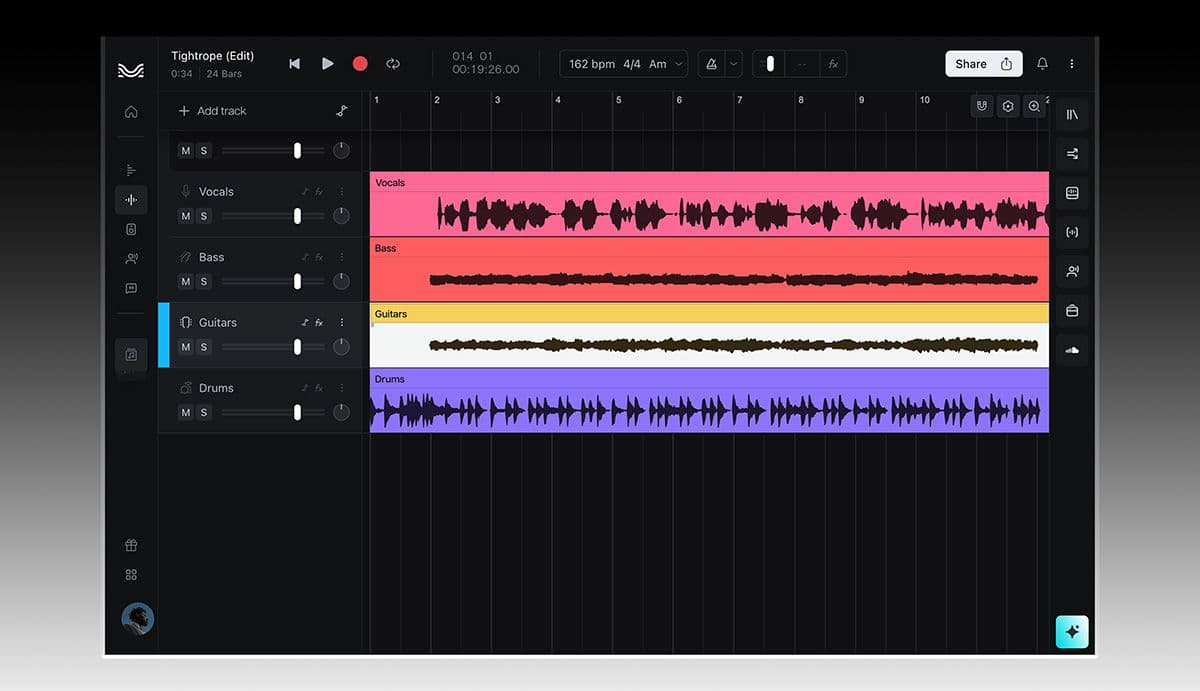
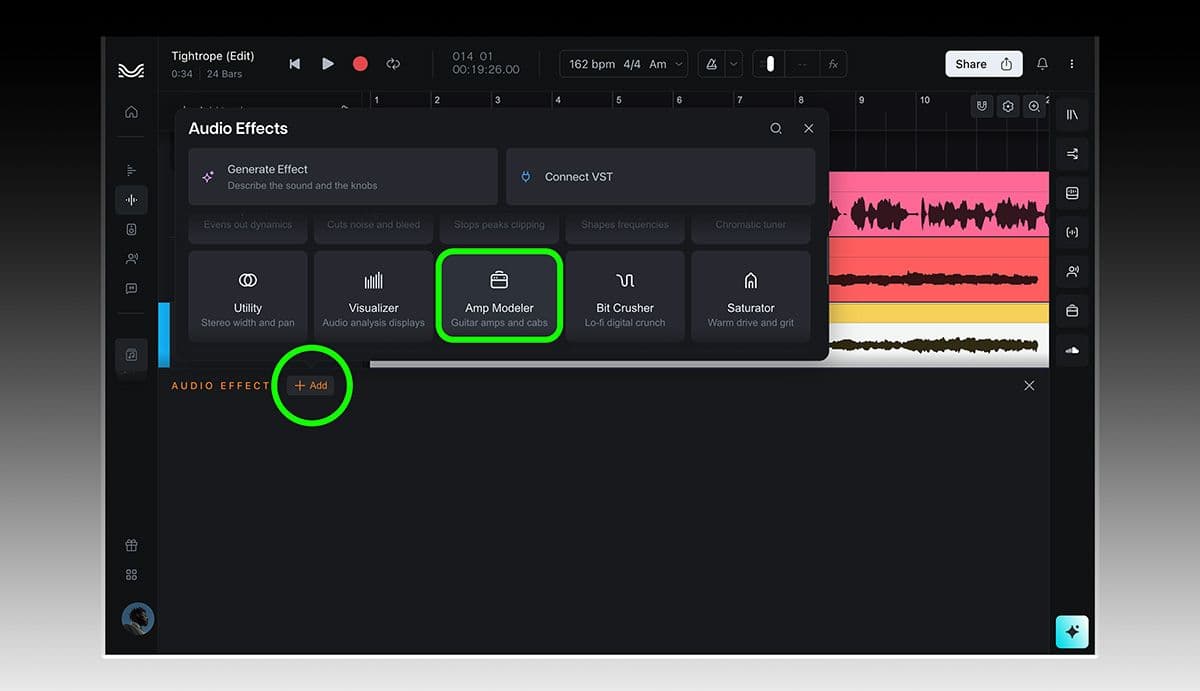
2) Under Audio Effects, click Add and choose Amp Modeler.
3) Select an amp, open the TONE3000 tab, and sign in to your TONE3000 account.
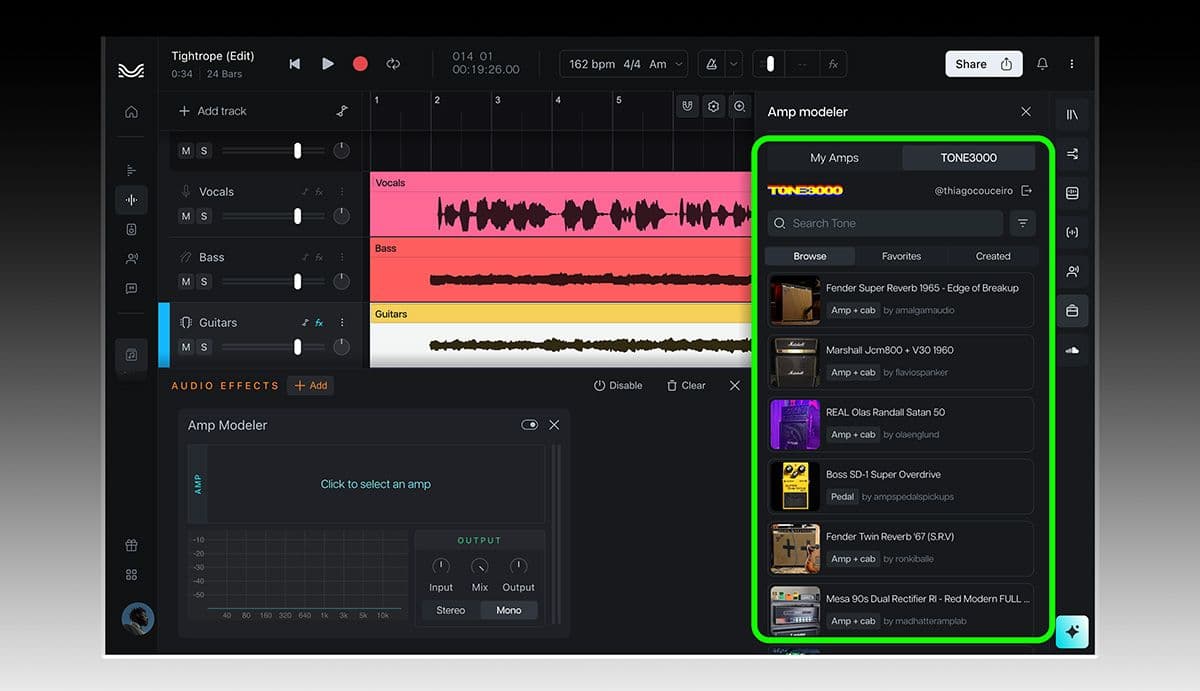
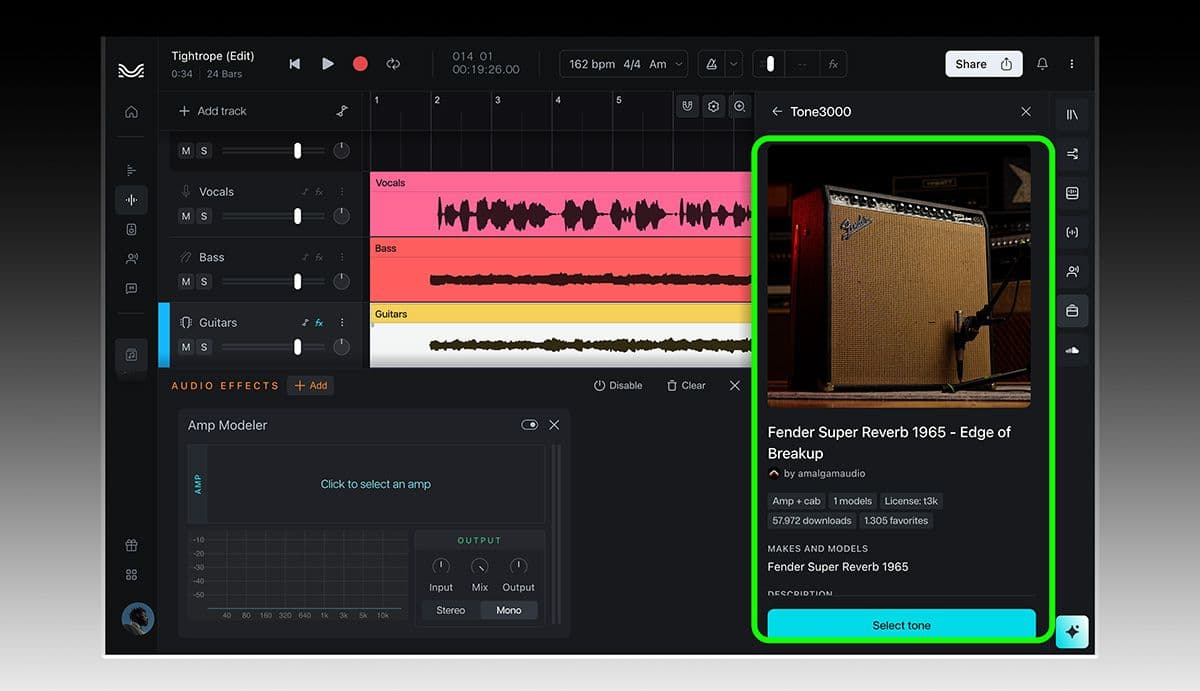
4) Search or browse the library, open your Favorites or Created tones, choose a tone, and start playing.
What Is Moises Studio?
Moises Studio is an online DAW (digital audio workstation) available in your browser, or on a desktop app for advanced features like accessing 3rd party VSTs. Open a session to record, edit, and arrange multitrack audio and MIDI on a single timeline.
Studio is also built for collaboration. Share a link with your bandmates or collaborators and work in the same session together. Everyone can record, edit, and message each other while changes appear in real time. If your connection drops, you can keep working and your changes will sync when you’re back online.
Moises Studio also includes Moises’s stem separation technology, which can split a song into up to 27 different stem types, from vocals, guitars, and drums down to individual parts like a snare or backing vocal.
When you’re ready to continue elsewhere, you can export stems, MIDI, or the full session as a DAWproject or Ableton Live Set file.
Your TONE3000 Library in Moises Studio
Open the TONE3000 tab in Moises Studio to search the TONE3000 library and browse amps, pedals, amp + cab captures, and more from the TONE3000 community.
Sign in to your TONE3000 account to access your Favorites and the tones you’ve created without leaving your session.
Your TONE3000 library stays connected across the products you use. Tones you save on TONE3000 are still available everywhere else you use TONE3000, including the TONE3000 Plugin.
Already have .nam files on your computer? You can load those directly into Moises Studio too.
Play Along With the Song
A tone that sounds great on its own can sound completely different once the rest of the band comes in. Moises Studio lets you choose tones while hearing them in context.
Import the song you’re learning, practicing, or writing against and Moises can separate it into vocals, drums, bass, guitar, and other parts. Mute the original guitar track and play through a TONE3000 capture alongside the rest of the song.
Your recording, separated tracks, tempo, chords, and tone are all saved with the project. Pick up where you left off later or share the session so someone else can hear exactly what you were working on.
Capture Your Own Rig
Moises Studio can also create NAM captures of your own gear.
If you’ve recorded a DI track alongside the output of your rig, you already have what you need. Give Moises Studio both recordings and it can create a model of your signal path, including your pedals, amp, cabinet, and other gear.
Made a capture of your own gear that you want to share? Upload it to TONE3000 and follow our Tone Sharing Guidelines so the community can discover and use it.
Looking for a tone that hasn’t been captured yet? Moises Studio can also generate a private model from a text description or audio reference in 5 to 10 minutes. These models remain private to your Moises account.
What is Moises?
Moises is the creative suite for musicians, covering the whole arc from learning a song to writing your own. In Moises Play, you pull the vocals, guitar, bass, or drums out of any song, slow it down with the Smart Metronome, and follow the chords as it plays. Then you build a setlist and take it to rehearsal or the stage. The more time you spend inside a song, the sharper your ear gets.
When you're ready to write, Moises Studio gives you a browser-based studio for recording, arranging, and collaborating in real time with your bandmates. You can generate new instrument parts that follow your song's key and chords, transform a vocal's tone with Voice Studio, and master the finished track in a few clicks. The music stays yours, and so do your uploads: Moises doesn't train on them, and never will.
Powered by the TONE3000 API
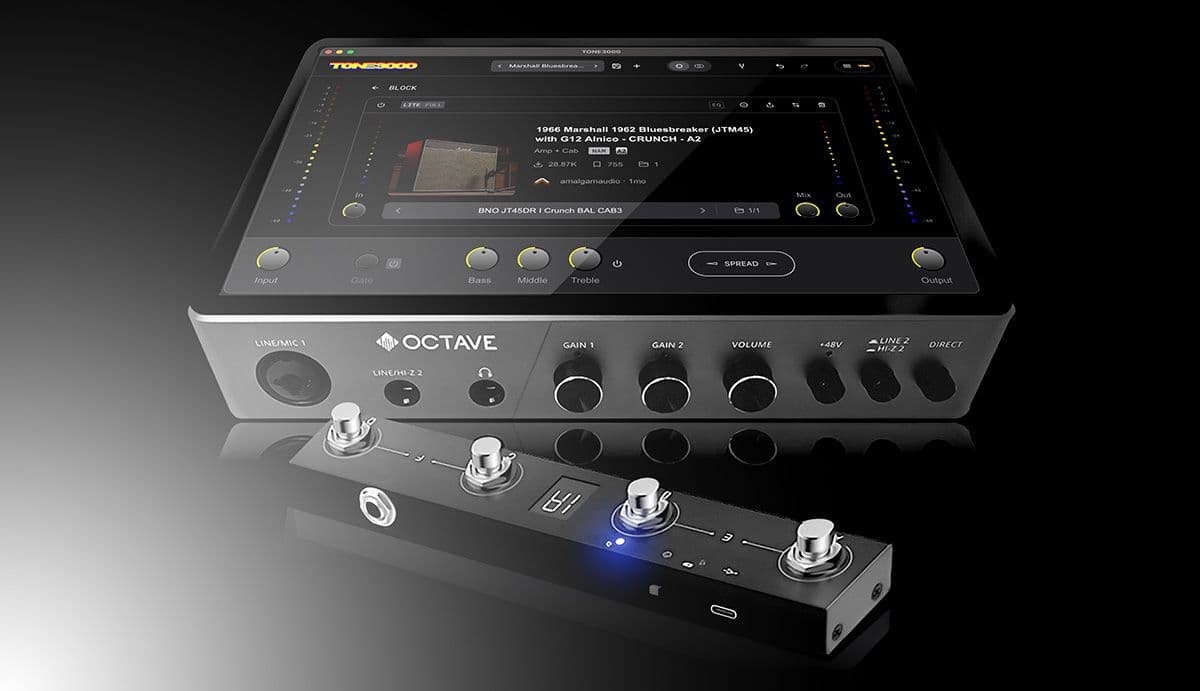
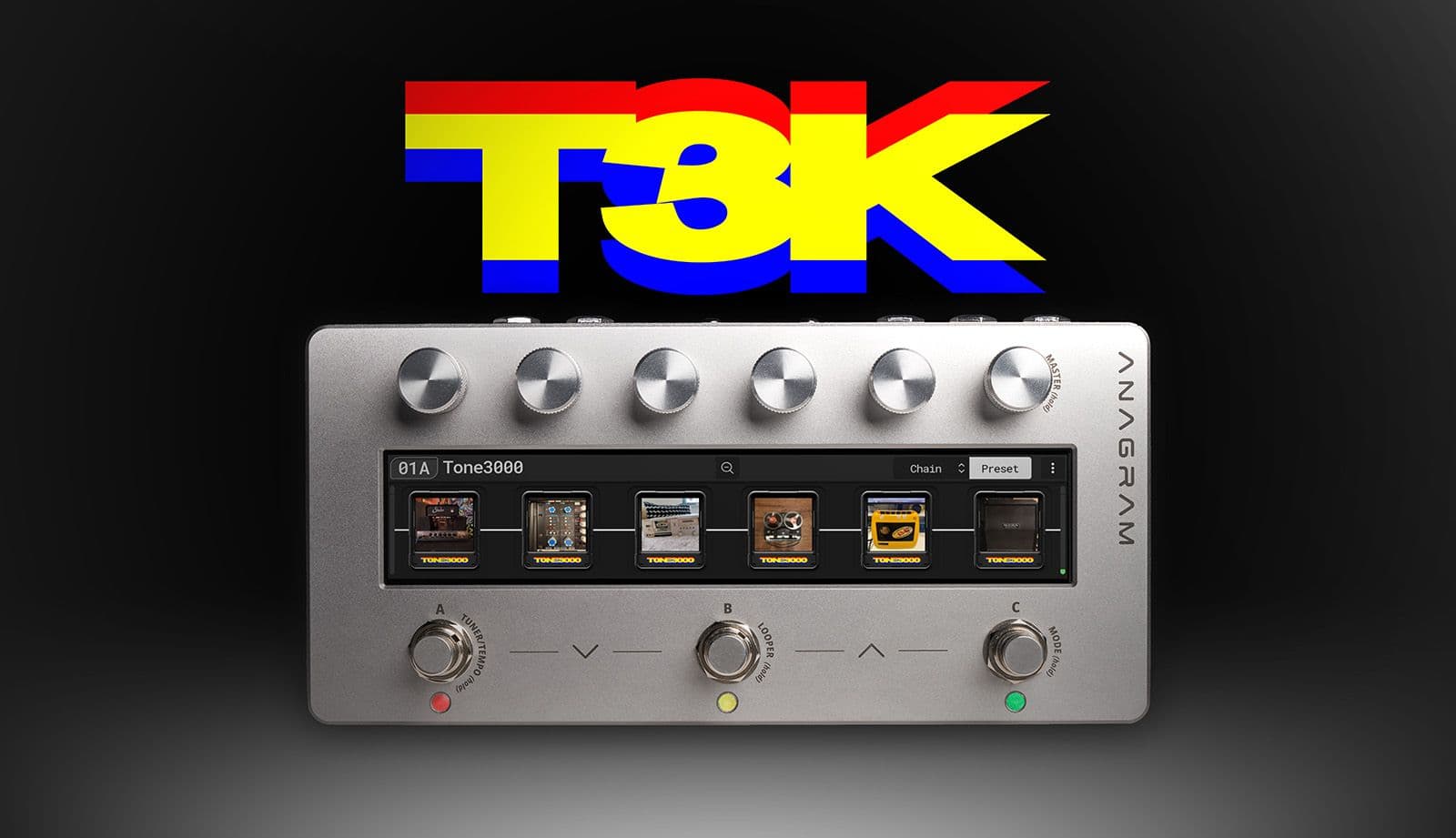
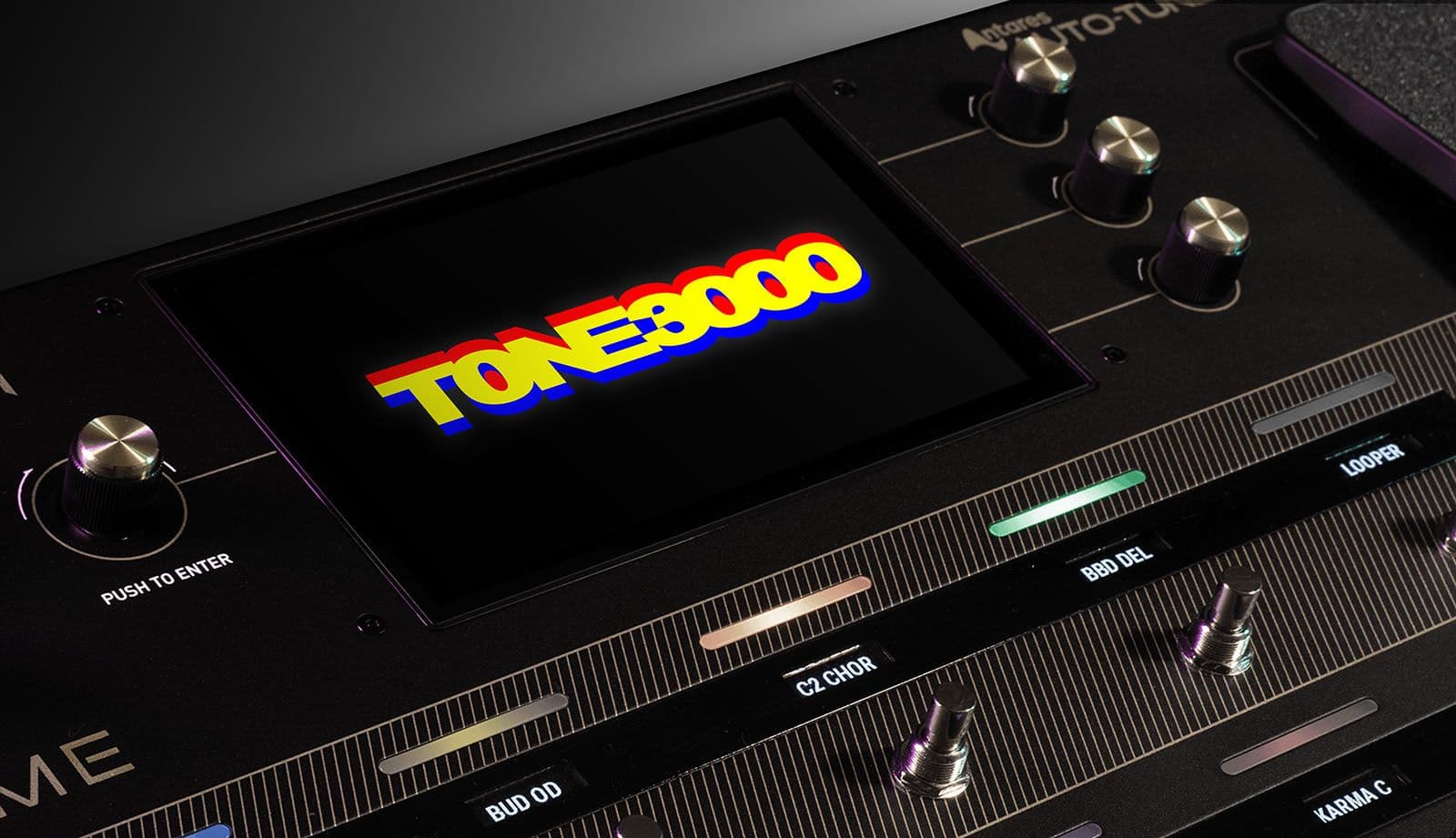
The integration is powered by the TONE3000 API, the same API powering a growing ecosystem of music hardware and software.
The API lets companies bring the TONE3000 library and account experience directly into their products. Instead of finding, downloading, unzipping, and moving files, users can sign in, browse TONE3000, and load tones directly inside amps, pedals, plugins, DAWs, and more.
If you build music hardware or software, learn more in the TONE3000 API Docs.