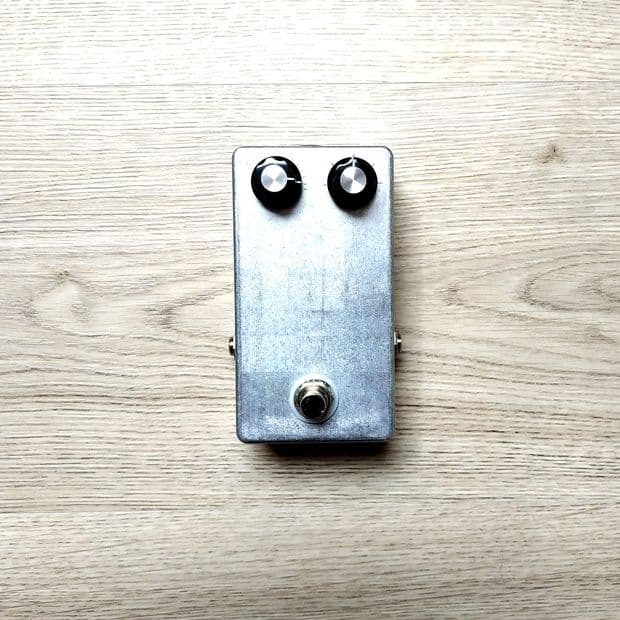
Silicon Fuzz Face Clone - Cleanup + Anti-Aliasing
Pedal Capture
NAM

kosmicaudio
4 months ago
Description
Makes and Models
DIY Silicon Fuzz Face ClonePreview
0:00 / 0:00
Model
IR
Input
Powered by
Models
Each model captures the gear at specific knob settings.
A2-FullESR: 0.0002
A2-LiteESR: 0.001
500 Epochs
Convert
cal.
Captured on
A2-FullESR: 0.0002
A2-LiteESR: 0.0012
500 Epochs
Convert
cal.
Captured on
A2-FullESR: 0.0002
A2-LiteESR: 0.0014
500 Epochs
Convert
cal.
Captured on
A2-FullESR: 0.0003
A2-LiteESR: 0.0015
500 Epochs
Convert
cal.
Captured on
A2-FullESR: 0.0005
A2-LiteESR: 0.0016
500 Epochs
Convert
cal.
Captured on
A2-FullESR: 0.0003
A2-LiteESR: 0.0014
500 Epochs
Convert
cal.
Captured on
3 Comments
I'm curious, and I may have missed an explanation somewhere (apologies if so) but I have searched with no joy. What is meant by calling these captures the anti-aliased versions - in this context? I know what AA is, but I mean what have you been doing that inspires you to label the name of the capture as anti-aliased?
I've been an engineer for longer than I care to remember and I became highly sensitive to AA once I realised that it was the characteristic I didn't like with a lot of saturation processes "in the box". The whole area has improved enormously over the last 5-10 years, and NAM is pretty good when it comes to dealing with it via non-oversampled processing but I still dislike that sound immensely. And it's not always obvious to me when on a single track and only starts to grate when I have multiple tracks with a process that's aliasing, which can mean I have to go back and redo a bunch of work to either over-sample or select a different process. And this fiddling almost always requires quite a few tweaks to a mix.
I tend to use Amp+Cab captures as I find that (as a rule of thumb anyway) these have less of that futzy fizz that I can hear when using an Amp capture + IR sometimes. I suspect this is because when captured as a total system, the bandwidth limitation of guitar speakers in a cab give less problematic high frequencies that can fold down when their harmonics are above Nyquist. But that's a guess.
I'll give these captures a test (both with my aging ears and via a sweep and visual display) but I've found most of the pedal distortion type captures I've downloaded do add aliasing, which can be more or less audible to my ears. BTW, I don't check for aliasing with just the one signal - much like I would in a mix, I run 4 or 5 guitar DIs through the same processing. Aliasing seems to be cumulative, so testing requires a few hours and a free system so it may be a while before I get around to it.
Anyway, in the meantime I'm curious as to what has been done. I'll maybe report back if/when I do the tests.
Until now, I've been getting better results aliasing wise by putting the guitar through an analogue pedal before it goes into my capture/modelling software. This dodges the whole saturation-causing-aliasing problem at the source. It would be great to have some pedal captures that mean I can avoid this extra step. Cheers.
0
License: T3K
Users may download and use the data file in software and publish the resulting outputs without royalties or restrictions. However, they may not upload, republish, or distribute the data file without the author's permission.Works with TONE3000
Browse and play TONE3000 tones directly in these plugins, pedals and amps.Plugins


NEW TO TONE3000?
Discover hyper-realistic digital models of iconic gear, including the Fender Twin Reverb, Vox AC30, Marshall JCM 800, and thousands more. Getting started is easy—and free!