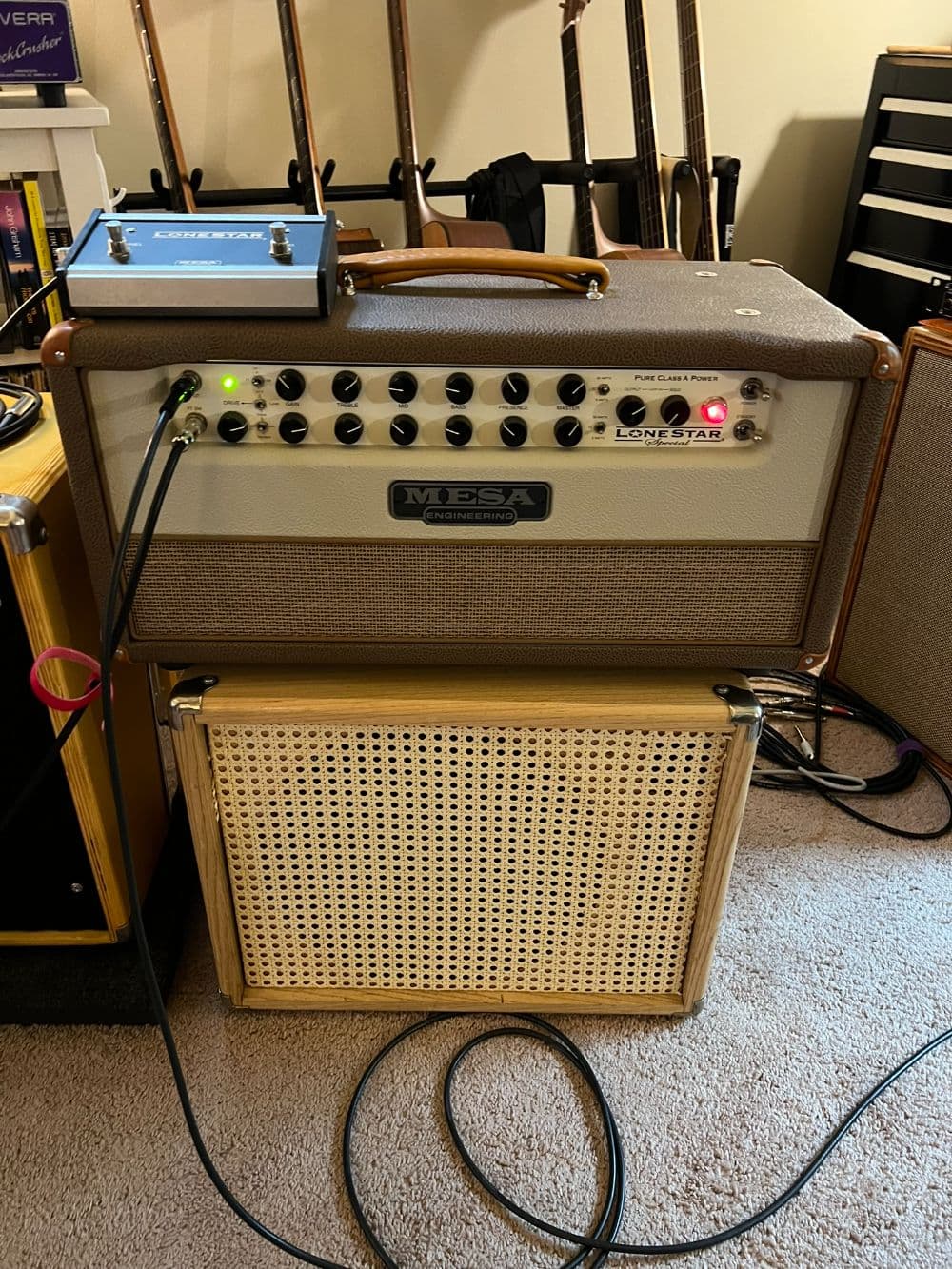
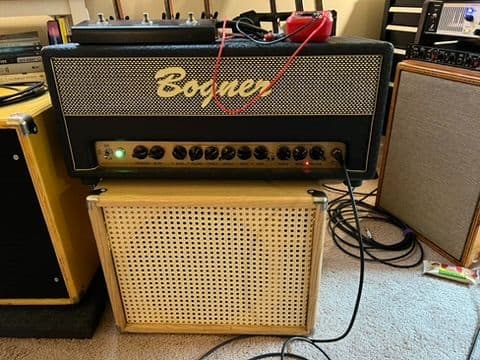
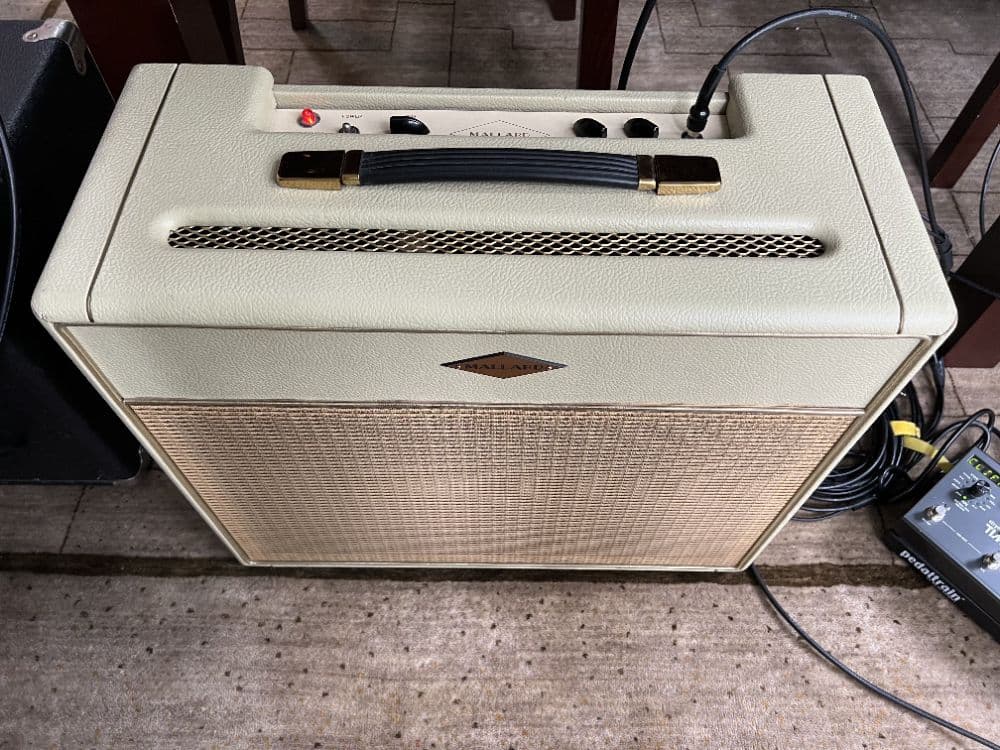
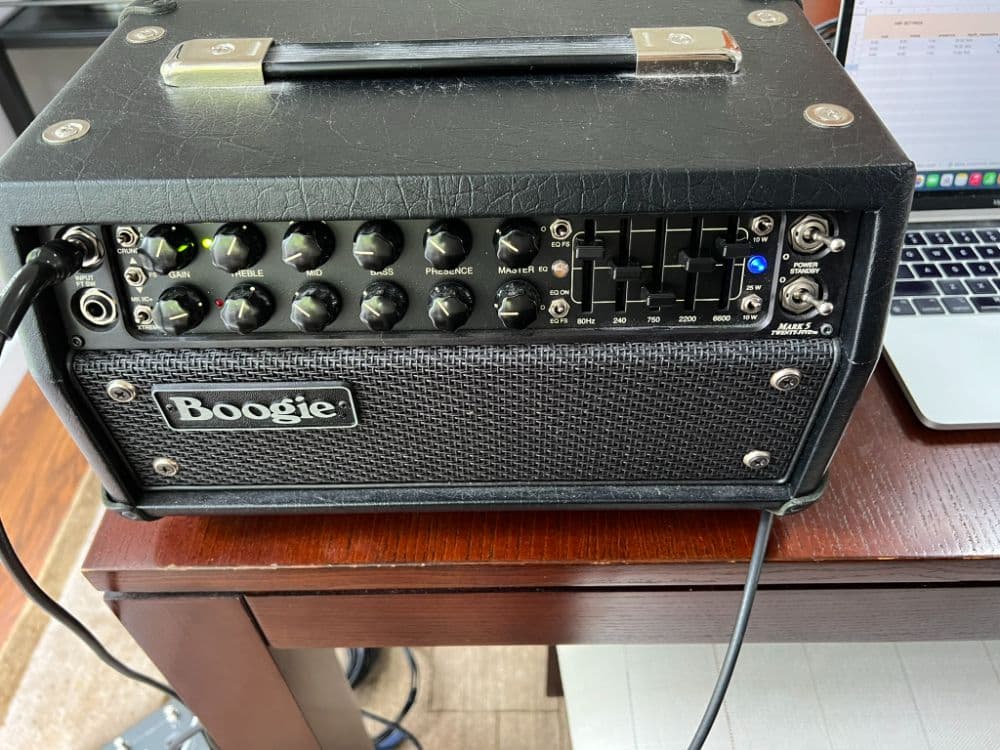
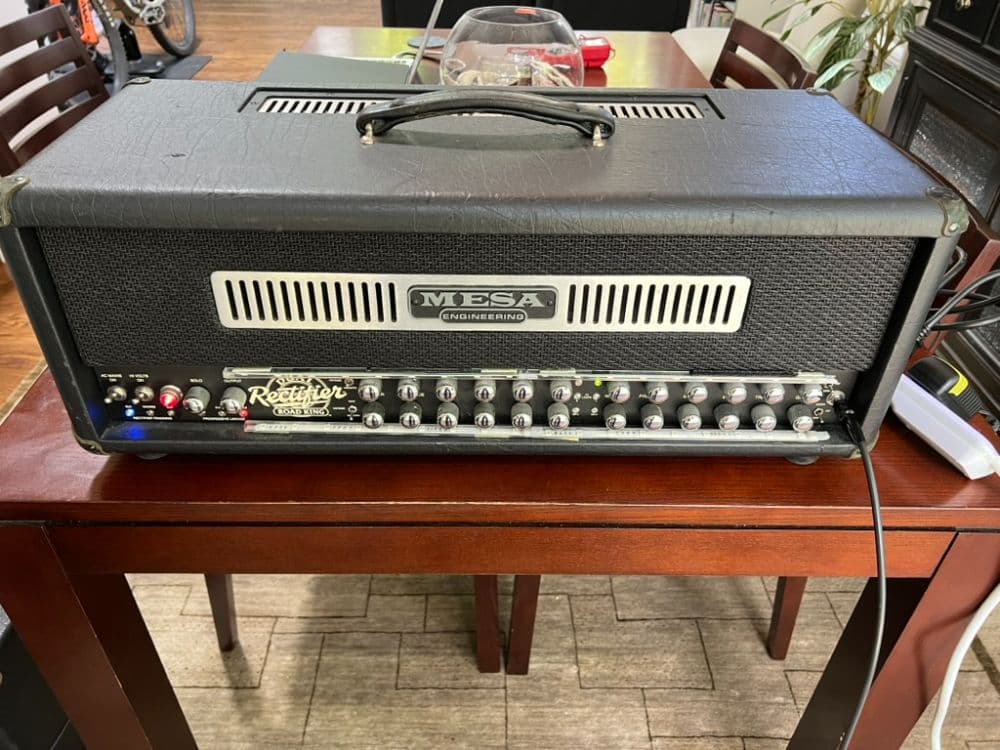
Mesa/Boogie Lone Star Special Head
A vintage-inspired Mesa built around the warmth, responsiveness, and natural compression of EL84 power tubes. Unlike Mesa's more aggressive Mark and Rectifier amps, the Lone Star Special specializes in lush cleans, organic breakup, and smooth, expressive overdrive.
- Clean: Warm, dimensional American cleans with a hint of British chime. Think Fender-inspired blues, country, and classic rock.
- Edge of Breakup: Touch-sensitive, harmonically rich grit that responds beautifully to picking dynamics. Think John Mayer, SRV, and roots-rock guitar tones.
- Overdrive / Lead: Creamy, singing sustain with a soft attack and vintage character. Think Larry Carlton, Robben Ford, and Andy Timmons-style melodic leads.
Capture chain:
MW1 Creation Tool -> Amp -> TwoNotes Reload II -> UA Apollo
Calibrated captures, with values noted in the NAM metadata
**NAMING CONVENTION**
make_model_inspiration_gainlevel_capturevariant
e.g. BOGNER_SHIVA_JCM_MED_ZALT.nam
make = Bogner
model = Shiva
inspiration = tones inspired by a Marshall JCM 2203/2204
gain = med (or high or low)
capturevariant = standard | high z (brighter pickups) | hotin (hotter pickups)
It's subtle, but you can use the capture variant to best match your rig, e.g. if you are using active pickups pick hotin vs vintage you’ll probably prefer std or lowin
**HOW TO USE**
1/ Plug your guitar into your interface’s Instrument/Hi-Z input and keep the interface gain all the way down.
2/ In the official NAM plug-in, NAM Settings page:
- turn Calibrate Input ON
- enter your audio interface’s Maximum Instrument Input Level from its manual (you can Google this)
- select Normalized output.
Don’t enter the capture value from Tone3000 - the NAM already contains it.
3/ In the NAM main page: Leave Input and Output at 0 dB. Turn EQ and Noise Gate off initially to hear the raw capture. Later you can enable them and season to taste.
4/ Because these are amp captures only, you must obtain and load a compatible cabinet IR.
IMPORTANT: If you increase your interface gain, return to NAM’s Input Level setting and subtract the same amount. For example, if your interface is rated at +12 dBu and you add 5 dB of interface gain (on your hardware, you turned up the gain on the signal coming from your guitar by 5 db), enter +7 dBu in NAM.
Want to skip the calibration, IR matching, and technical setup? Chameleon Player handles it for you, so you can load a tone and start playing.