TONE3000

GB Liuteria Stereo IR Scene Free

Cabinet

IR

gbliuteria's avatar

gbliuteria

8m

Description

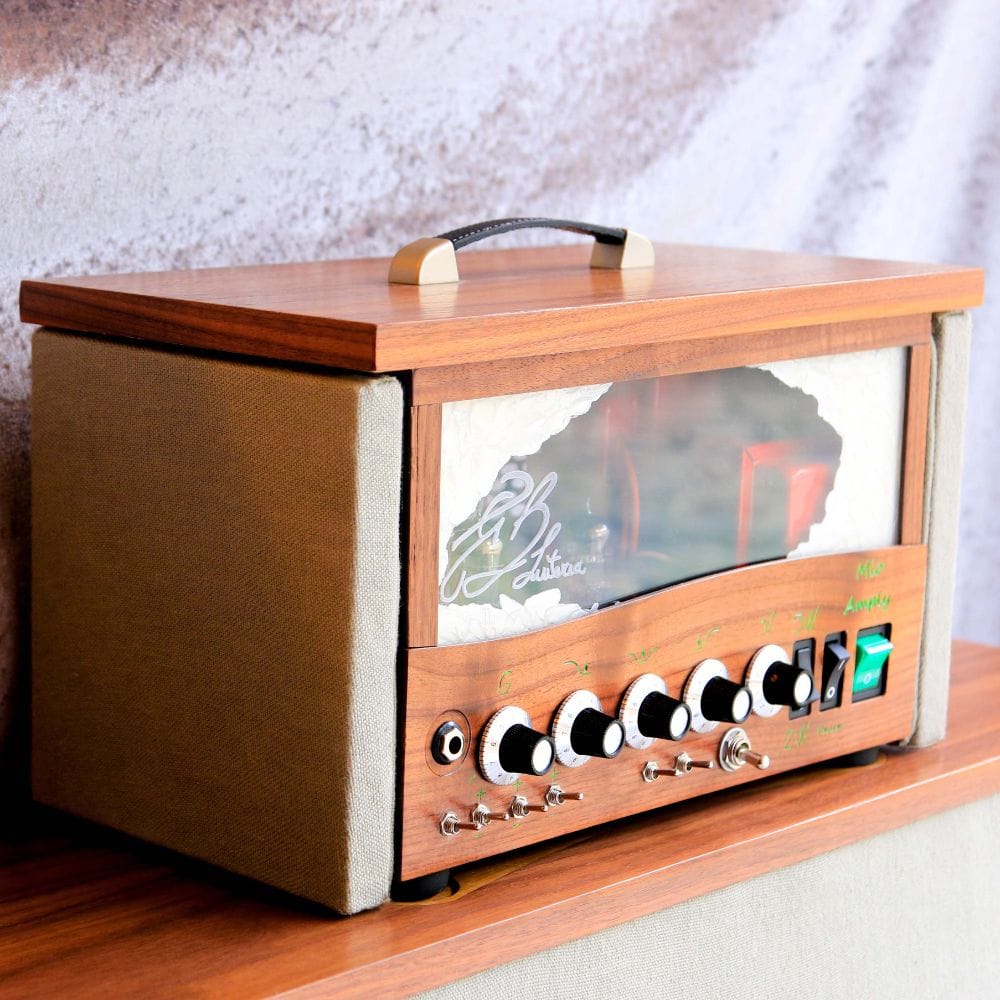
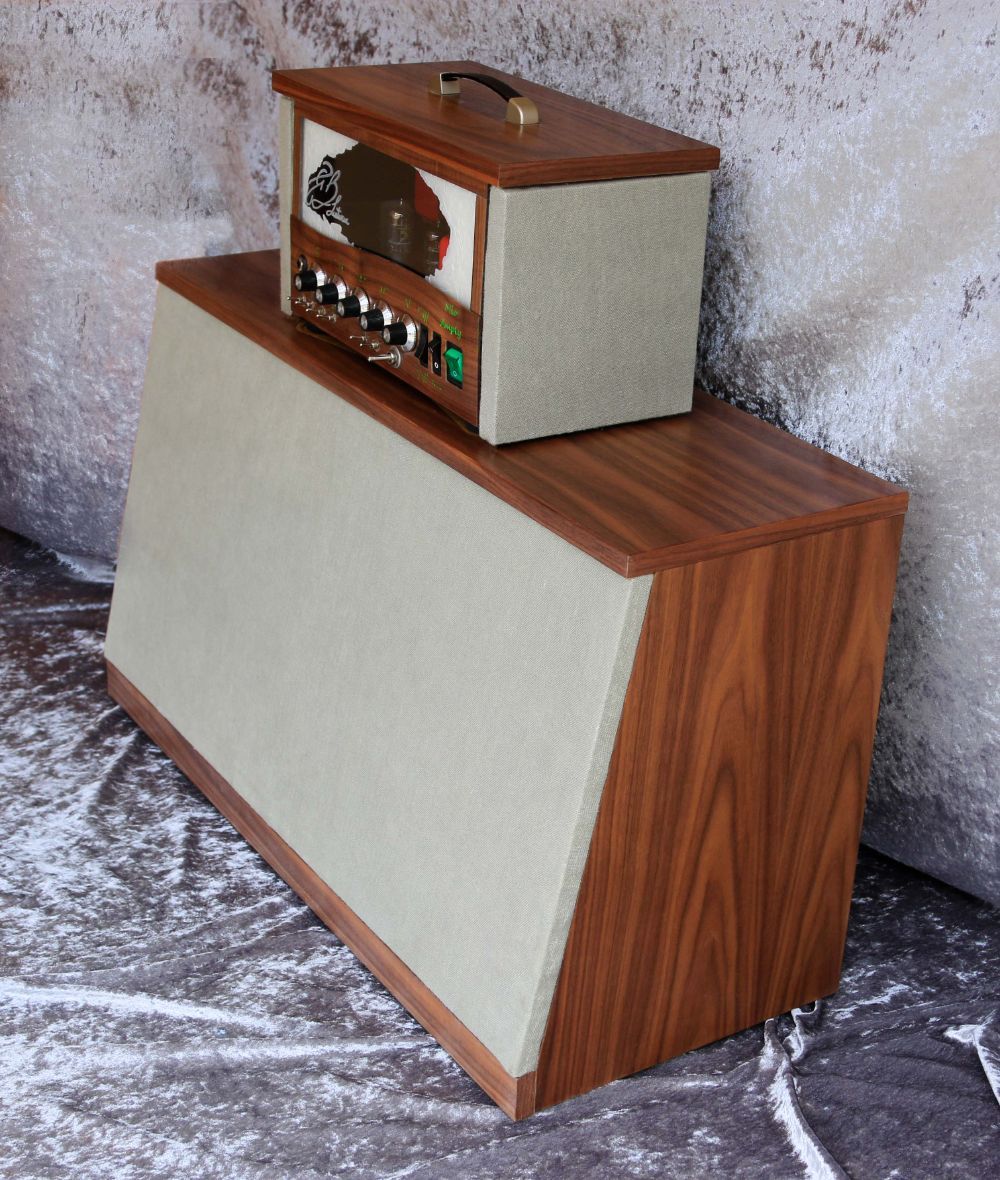
GB Liuteria – Stereo IR Demo This demo pack includes two separate impulse responses: LEFT (L) and RIGHT (R). Stereo routing setup in the TONE3000 plugin: Load your NAM amp model into the first block. Split the signal into two parallel paths. Upper path (LEFT): Insert a cabinet IR loader, load the LEFT IR file and set PAN to 100% LEFT. Lower path (RIGHT): Insert a second cabinet IR loader, load the RIGHT IR file and set PAN to 100% RIGHT. Each cabinet loader must use its corresponding IR file: LEFT IR for the left cabinet and RIGHT IR for the right cabinet. That's it! You now have a true stereo cabinet configuration directly inside the TONE3000 plugin. Download the ready-to-use preset! Click the link provided in my profile description to download a ready-made preset with the TONE3000 plugin already configured for optimal stereo IR playback. Simply load the preset, select your NAM amp model and enjoy the stereo sound!

Preview

Impulse Response (IR)Tone on
Mayer - GuitarFender Deluxe Reverb

Impulse Responses

Each impulse response is a snapshot that captures different mic placements, speakers, room positions, reverb settings etc.

Comments

Share your thoughts...
@username to mention • Ctrl+Enter to submit

License: T3K

Users may download and use the data file in software and publish the resulting outputs without royalties or restrictions. However, they may not upload, republish, or distribute the data file without the author's permission.

Works with TONE3000

Browse and play TONE3000 tones directly in these plugins, pedals and amps.

Pedals and amps

TONE3000 Digital Models

NEW TO TONE3000?

Discover hyper-realistic digital models of iconic gear, including the Fender Twin Reverb, Vox AC30, Marshall JCM 800, and thousands more. Getting started is easy—and free!